 Zirtola
Clean The Stubborn c:\Windows\Installer Folder — safely.
Find and remove orphaned MSI/MSP files and reclaim disk space.
About Zirtola Installer Cleaner Tool
Reclaim gigabytes hiding in the Installer cache
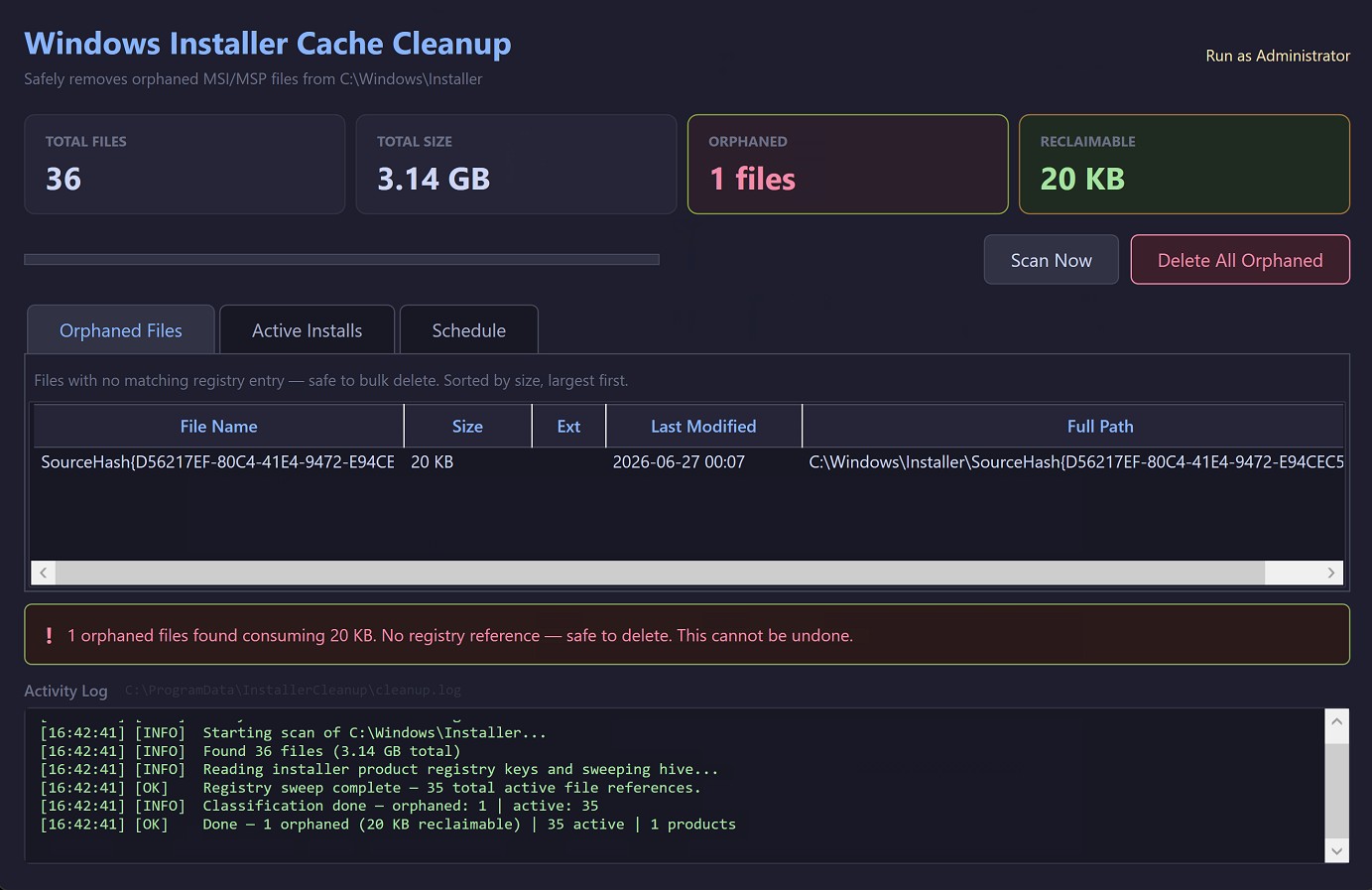
Over time, the Windows Installer cache (C:\\Windows\\Installer) fills with .msi and .msp files left behind by updates and uninstalls. Many are orphaned — no longer tied to any installed product — yet they can consume many gigabytes.
This tool scans the cache, identifies what's truly safe to remove, shows you the savings up front, and cleans with confidence.
Safe by default
- Conservative — only orphaned files are flagged.
- Transparent — preview the exact space you'll reclaim.
- Reversible — review before anything is removed.
Features
Find orphaned files
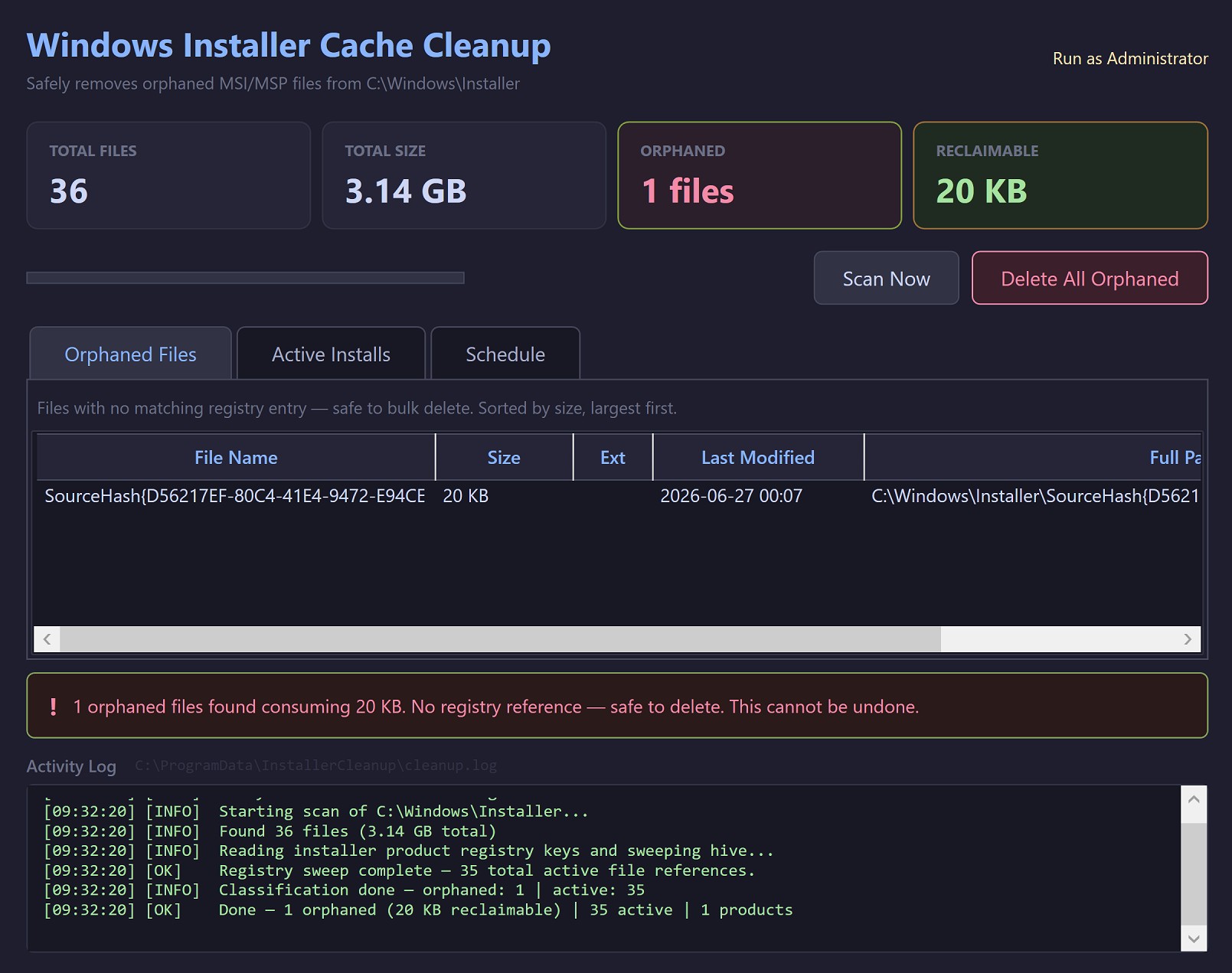
Scan the Installer cache for files no longer referenced by any product.
Safe removal
Files tied to installed software are detected and left untouched.
Space report
See exactly how much you'll reclaim before cleaning.
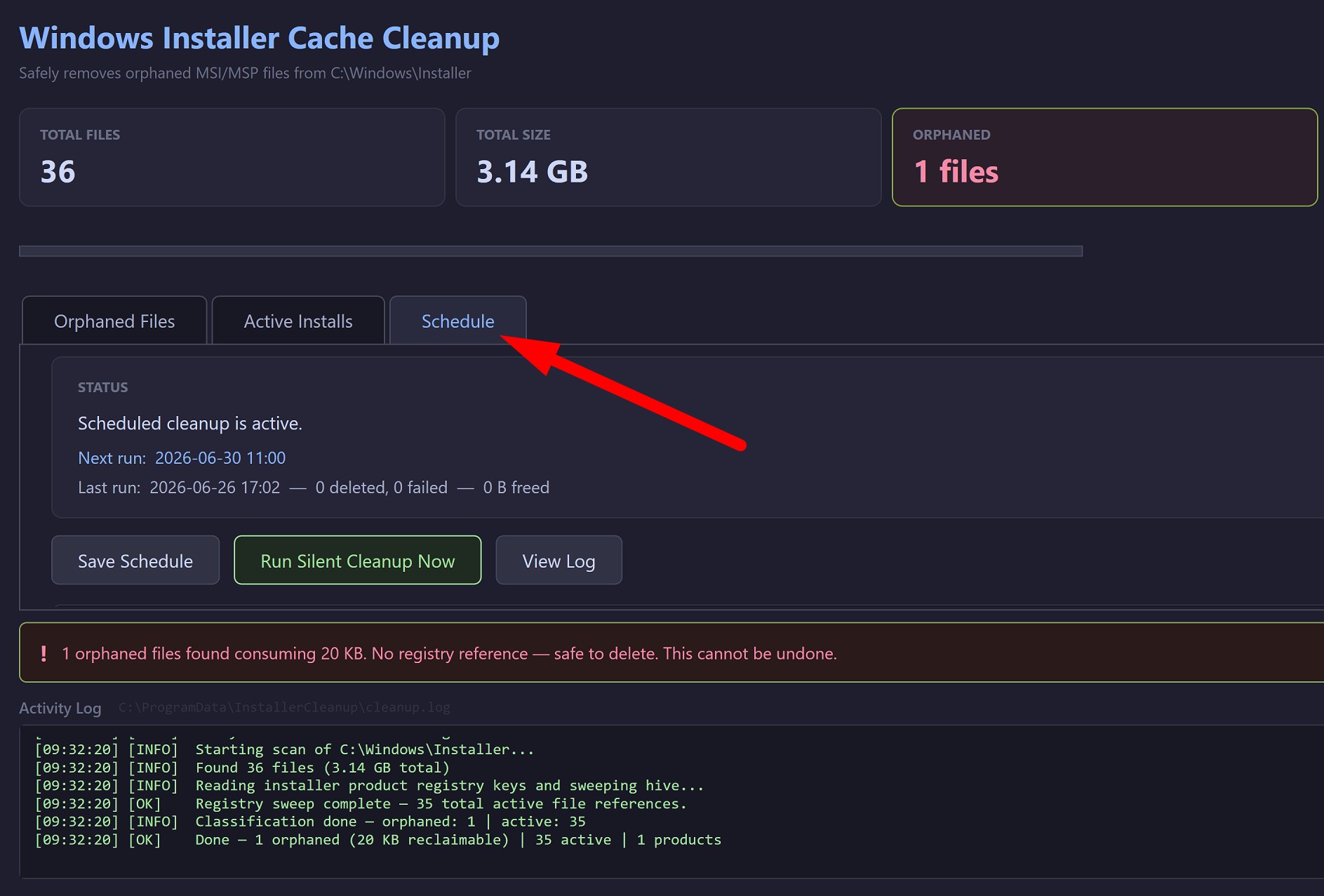
Scheduled scans
Keep the cache tidy automatically on your schedule.
Screenshots

What people say
“I own a MSP and our tools had caused hundreds of Gigabytes of cache files across our endpoints. This tool is so far the only one I have seen that can clean the files up without breaking anything.”
“Literally saved me HOURS of time and saved my ears from our clients complaining about low disk space.”
Frequently asked questions
›Is it safe to remove these files?
Yes — the tool only flags orphaned files that aren't referenced by any installed product. Active installer files are preserved.
›Will this break my programs?
No. Files needed for repair/uninstall of installed software are detected and skipped.
›How much space can I expect to recover?
It varies, but systems with many updates often reclaim a few to HUNDREDS of gigabytes.
Ready to get Zirtola Installer Cleaner Tool?
Reclaim disk space from leftover installer files.
Get it — $9.99