 Zirtola
Design 3D models — and bring them to life.
A Shapr3D-style CAD modeler and a rigging + animation studio in one Windows app. AI generation built in. Export a game-ready GLB for Blender, Unity, or the web.
About RigFlow
Design 3D models — and bring them to life
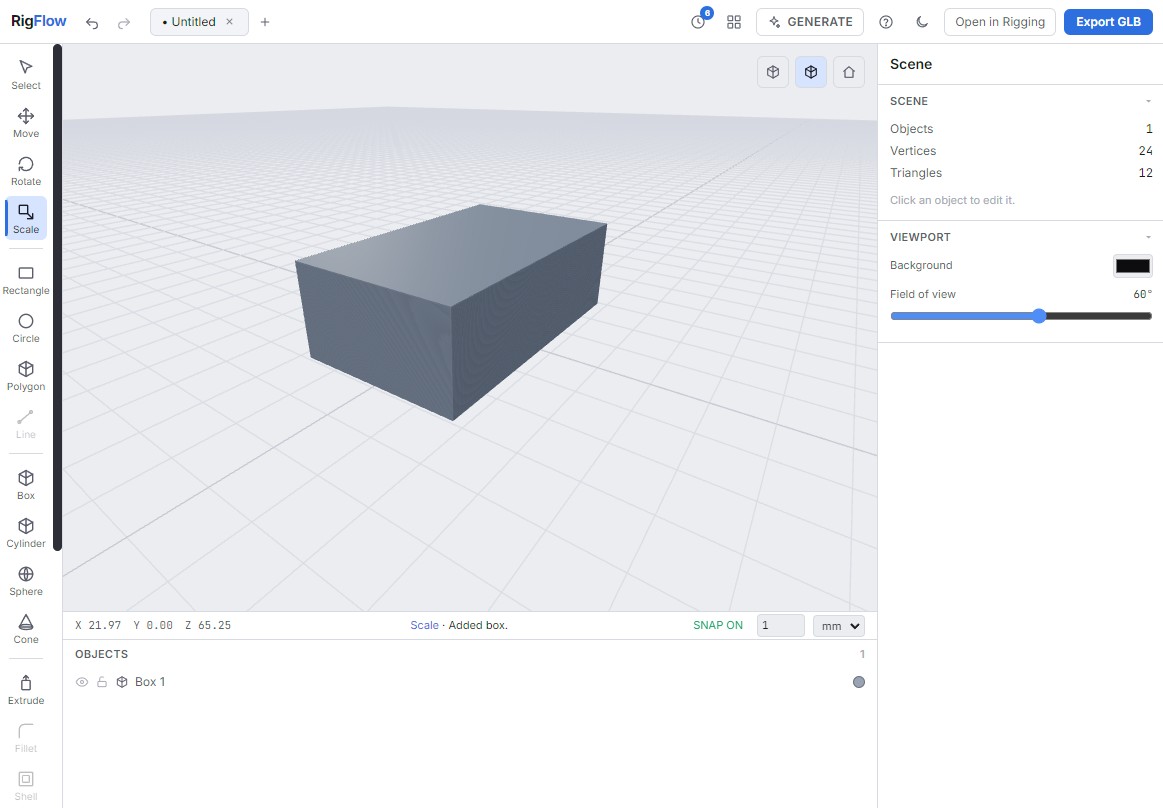
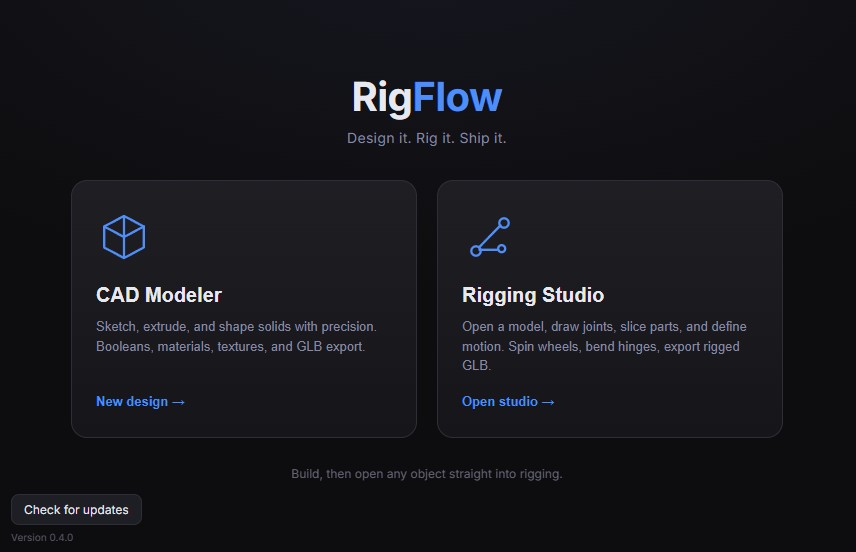
RigFlow is a Windows desktop app (built on Electron) that takes a 3D idea all the way to a finished, animated asset. Launch it and pick your studio — whatever you create in one carries straight into the other, so there's no exporting, converting, or re-importing in the middle.
CAD Modeler — build and texture
A Shapr3D-style modeler made for fast, precise work:
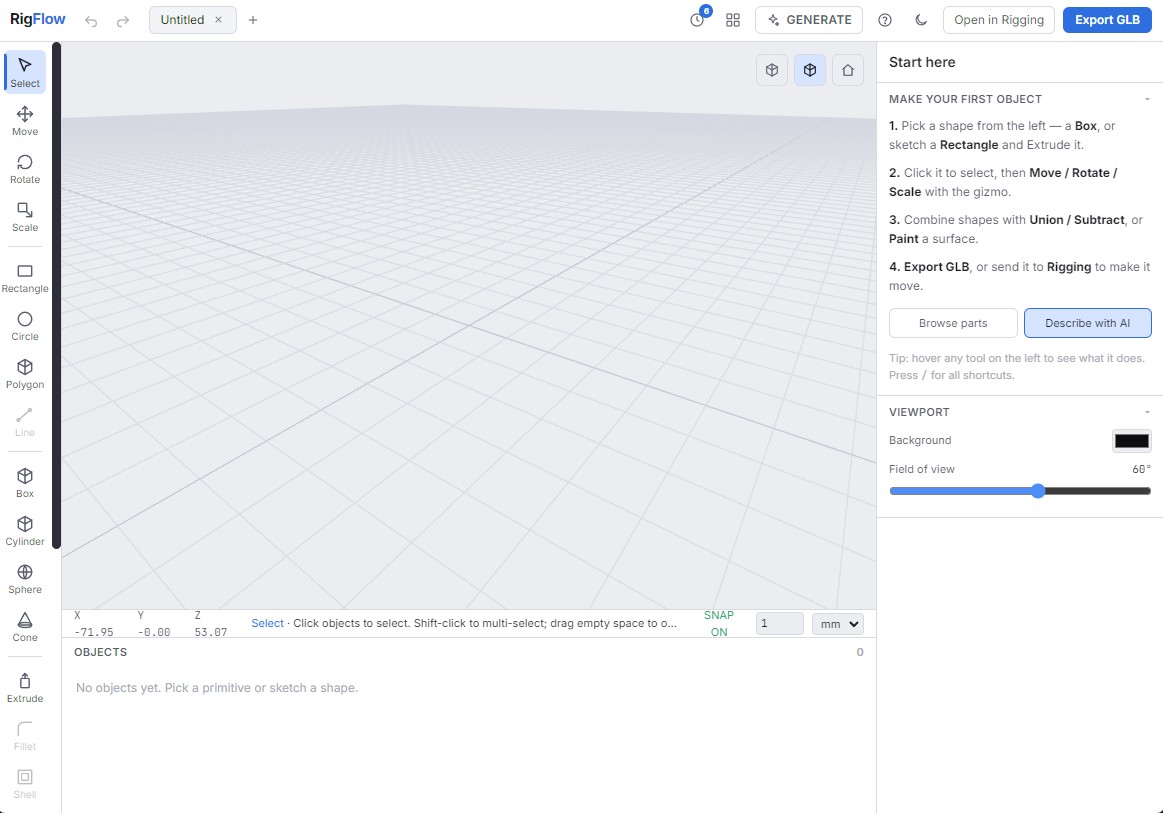
- Sketch, extrude, and combine solids into the shape you want.
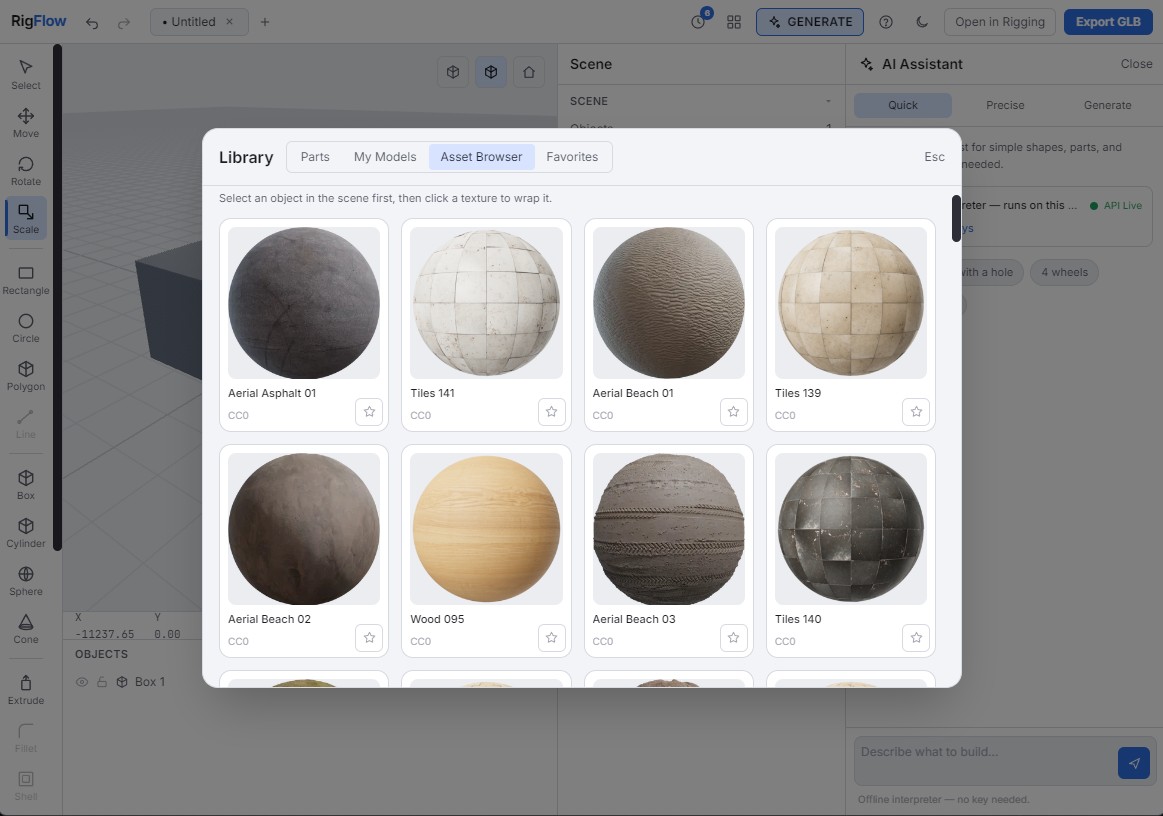
- Paint and texture every surface.
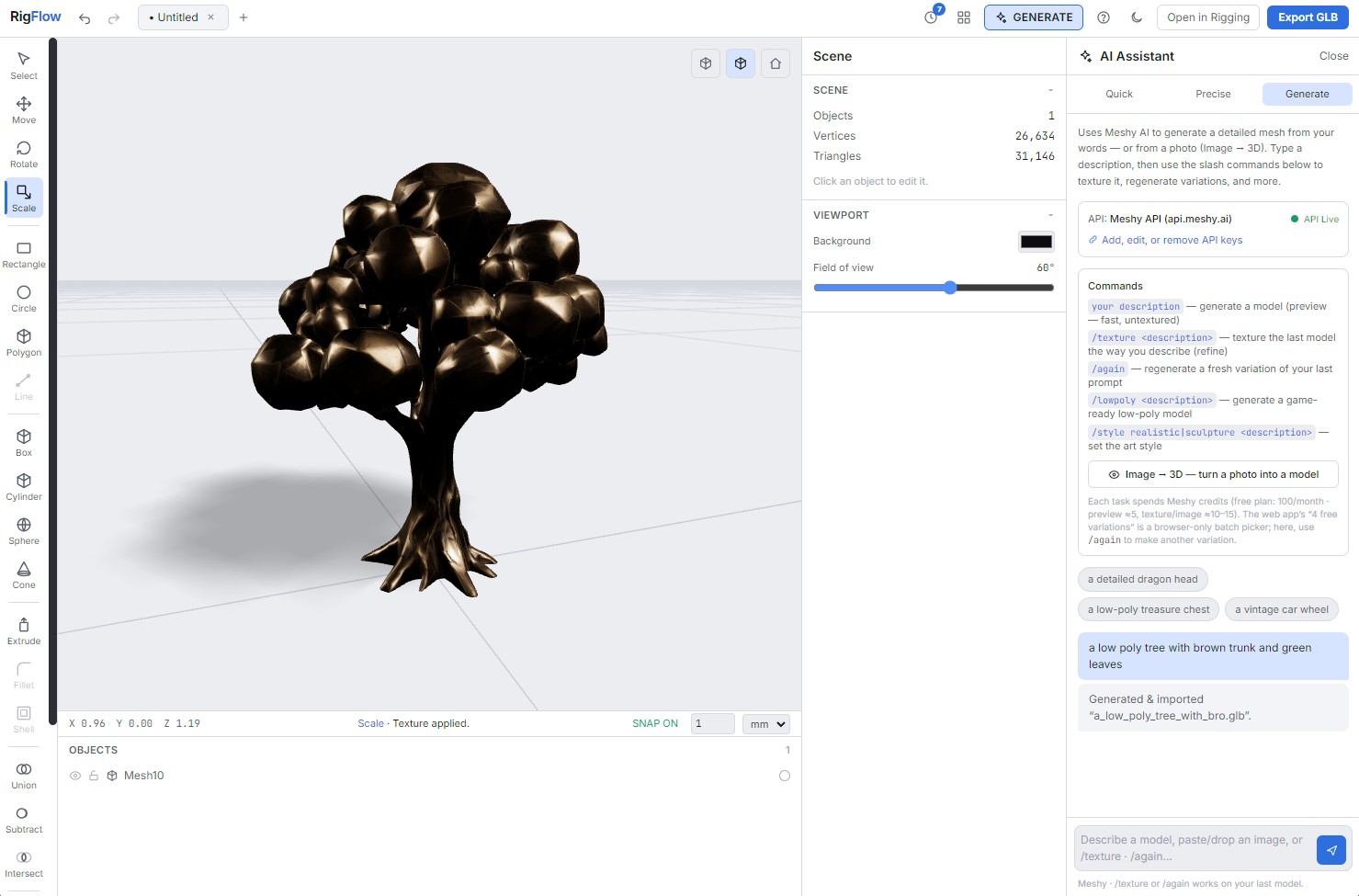
- Generate with AI — turn text or an image into a model with Meshy, or create precise parametric builds with DeepSeek.
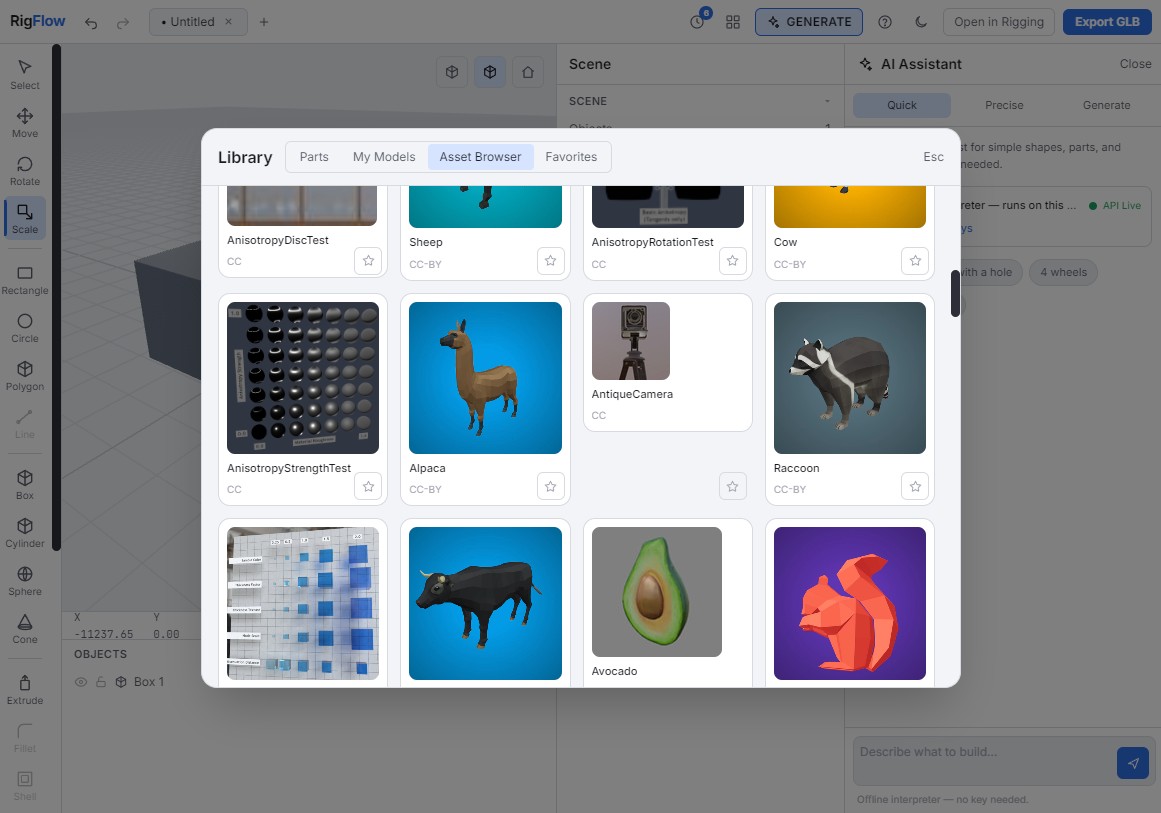
- Pull in free, open-source assets to start from something instead of a blank canvas.
- Trim and cut meshes into clean, separate parts.
Rigging Studio — rig and animate
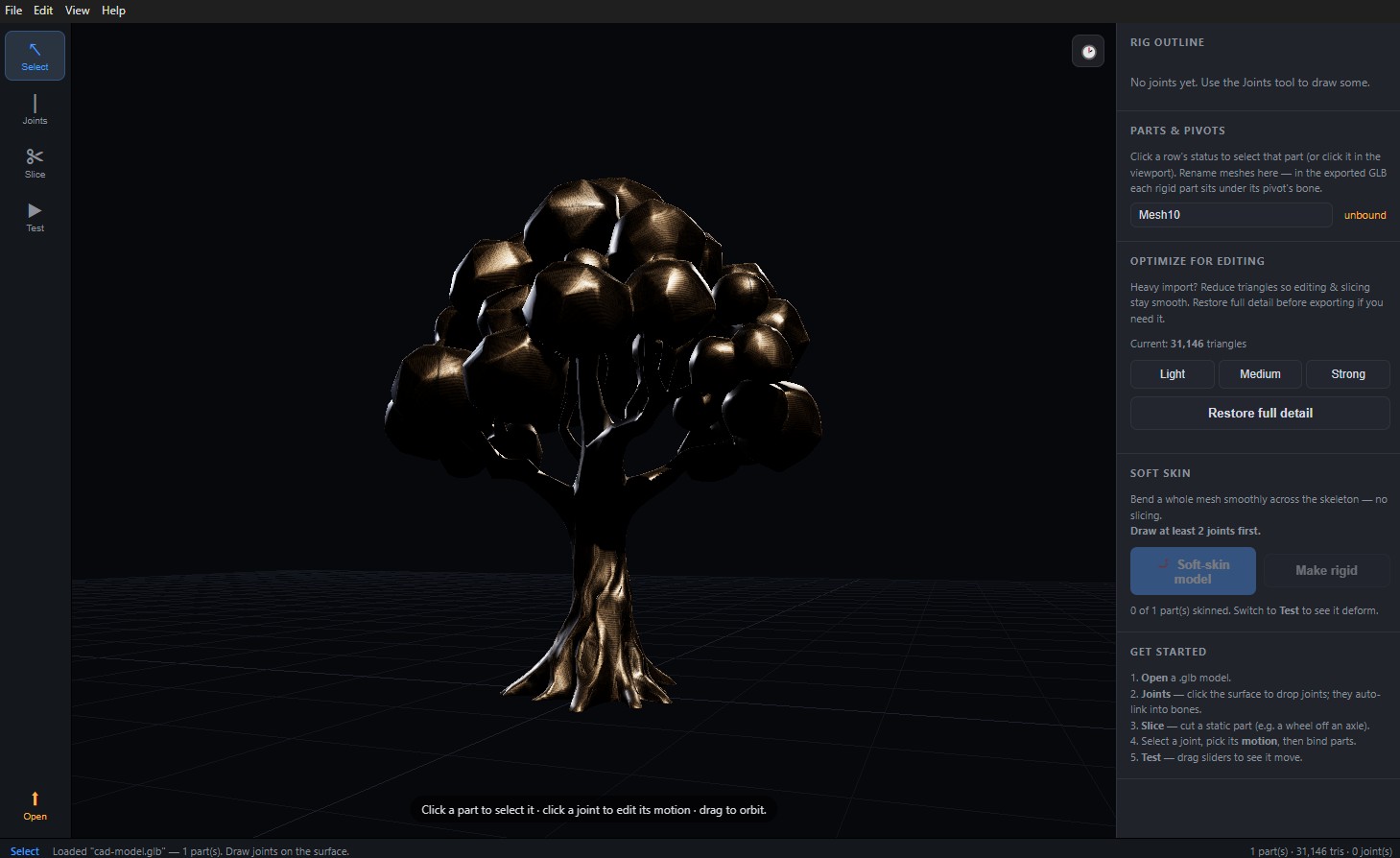
When your model is ready, move it next door:
- Rig with joints to define how it bends and moves.
- Keyframe and play back animations right in the app.
Export once, use everywhere
Everything you make exports as a single textured, rigged, animated GLB — drop it straight into Blender, Unity, or the web.
Always up to date
RigFlow self-updates from GitHub, so new versions install themselves. You're always on the latest without lifting a finger.
Features
Two studios, one pipeline
Model in the CAD Modeler, rig and animate next door — your work flows between them with no exporting in between.
Shapr3D-style modeling
Sketch, extrude, and combine solids, then paint and texture every surface.
AI model generation
Turn text or an image into a model with Meshy, or build precise parametric shapes with DeepSeek.
Open-source assets
Pull in free assets and trim or cut meshes into clean, separate parts.
Rigging & animation
Add joints, then keyframe and play back animations in-app.
Game- & web-ready export
Export a single textured, rigged, animated GLB for Blender, Unity, or the web.
Self-updating
New versions install themselves from GitHub — you're always current.
Screenshots

Frequently asked questions
›What is RigFlow?
A Windows desktop app that combines a CAD modeler and a rigging/animation studio, so you can design a 3D model and animate it in one place, then export it.
›Do I need 3D experience to start?
No. The CAD Modeler is a Shapr3D-style tool that's approachable for beginners, and built-in AI generation (from text or an image) gives you a running start.
›What's the AI generation?
Meshy powers text- and image-to-3D; DeepSeek drives precise parametric builds — both from inside RigFlow.
›What does it export?
A textured, rigged, animated GLB — the standard glTF binary that opens in Blender, Unity, and on the web.
›What platform does it run on?
Windows (it's built on Electron).
›How are updates delivered?
RigFlow self-updates from GitHub, so new versions install themselves.