You'll need: To be on foot. The 250 tph screen plant is free to try from the pause menu's DEMO VEHICLES.
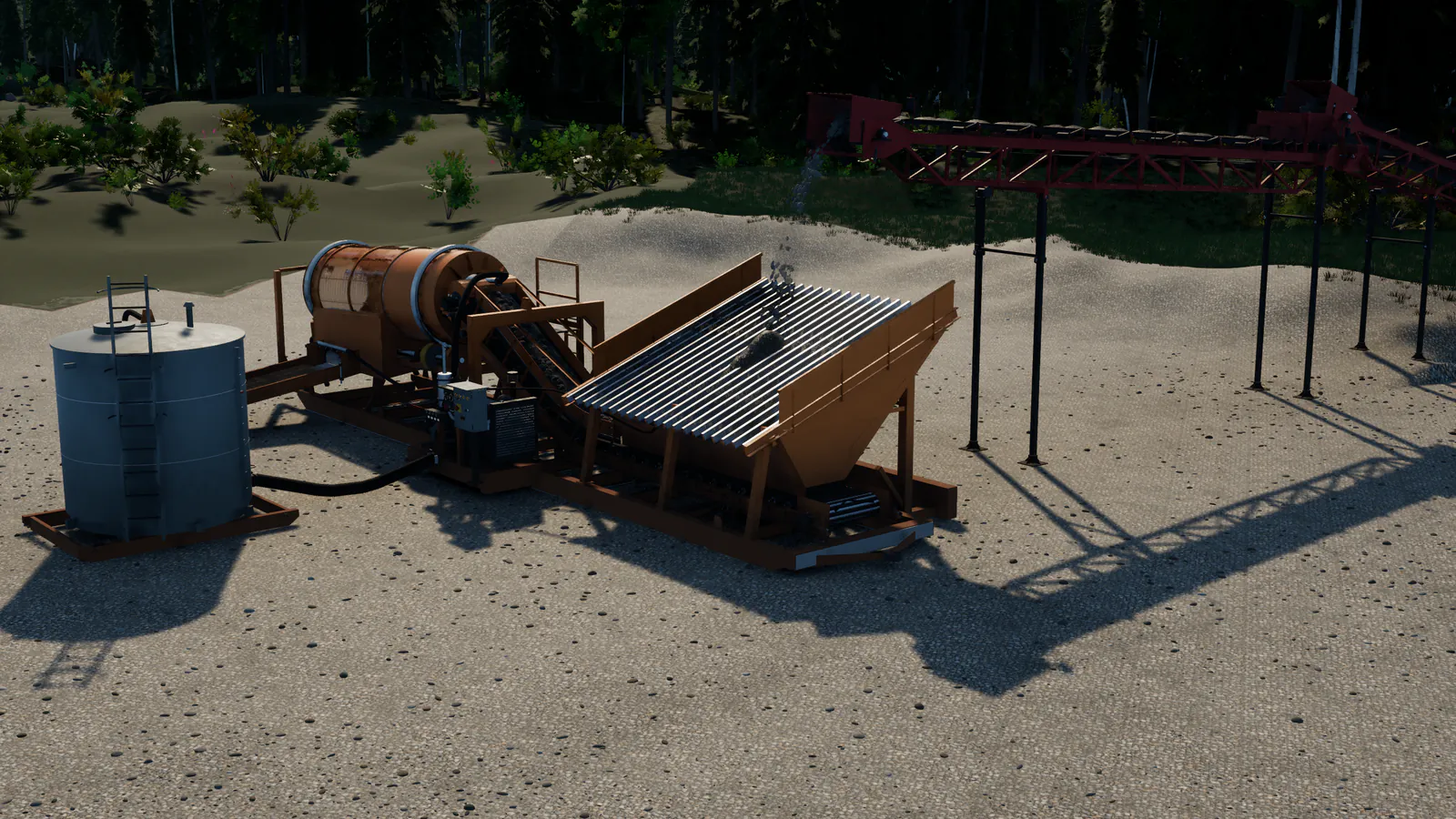
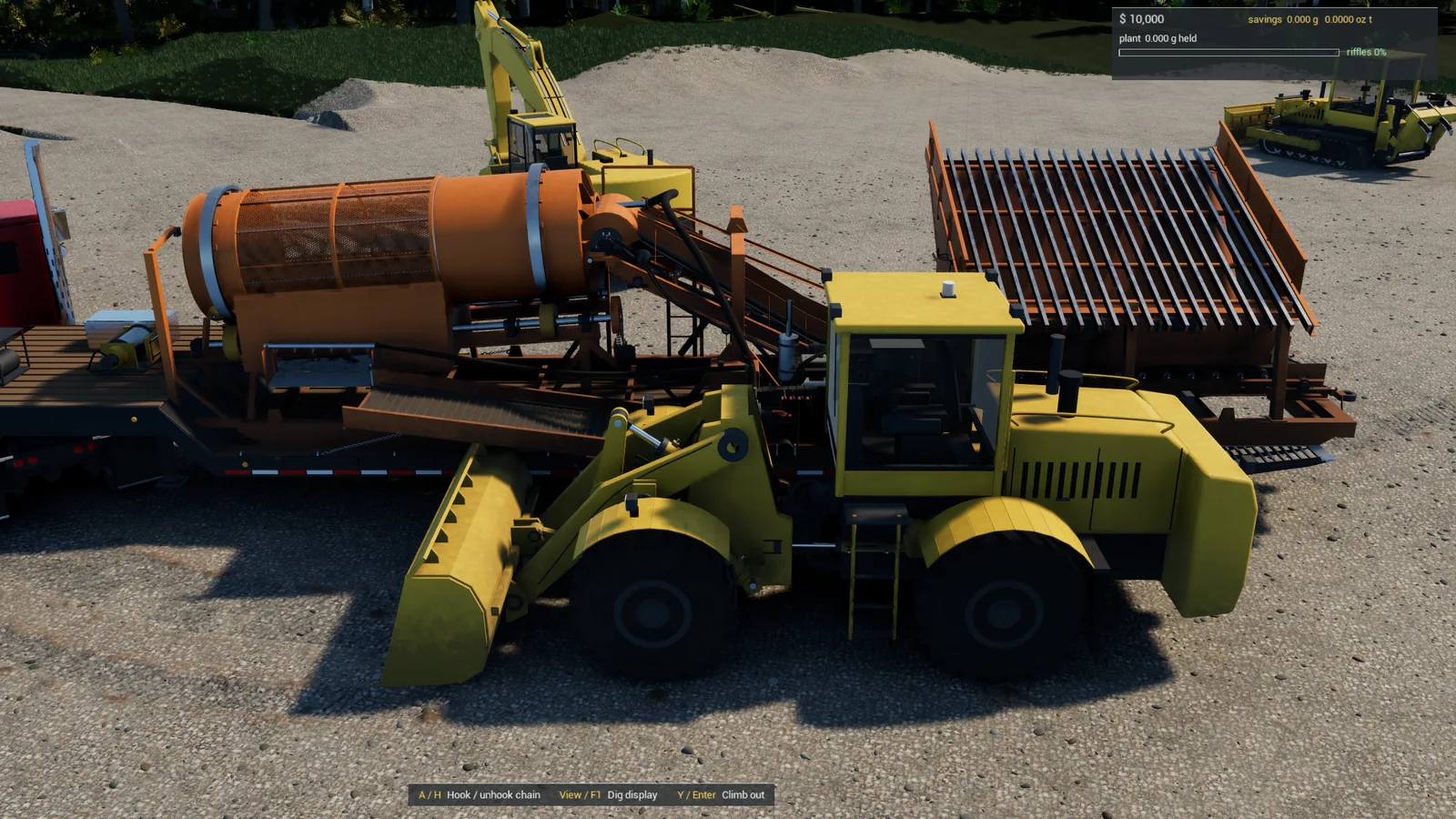
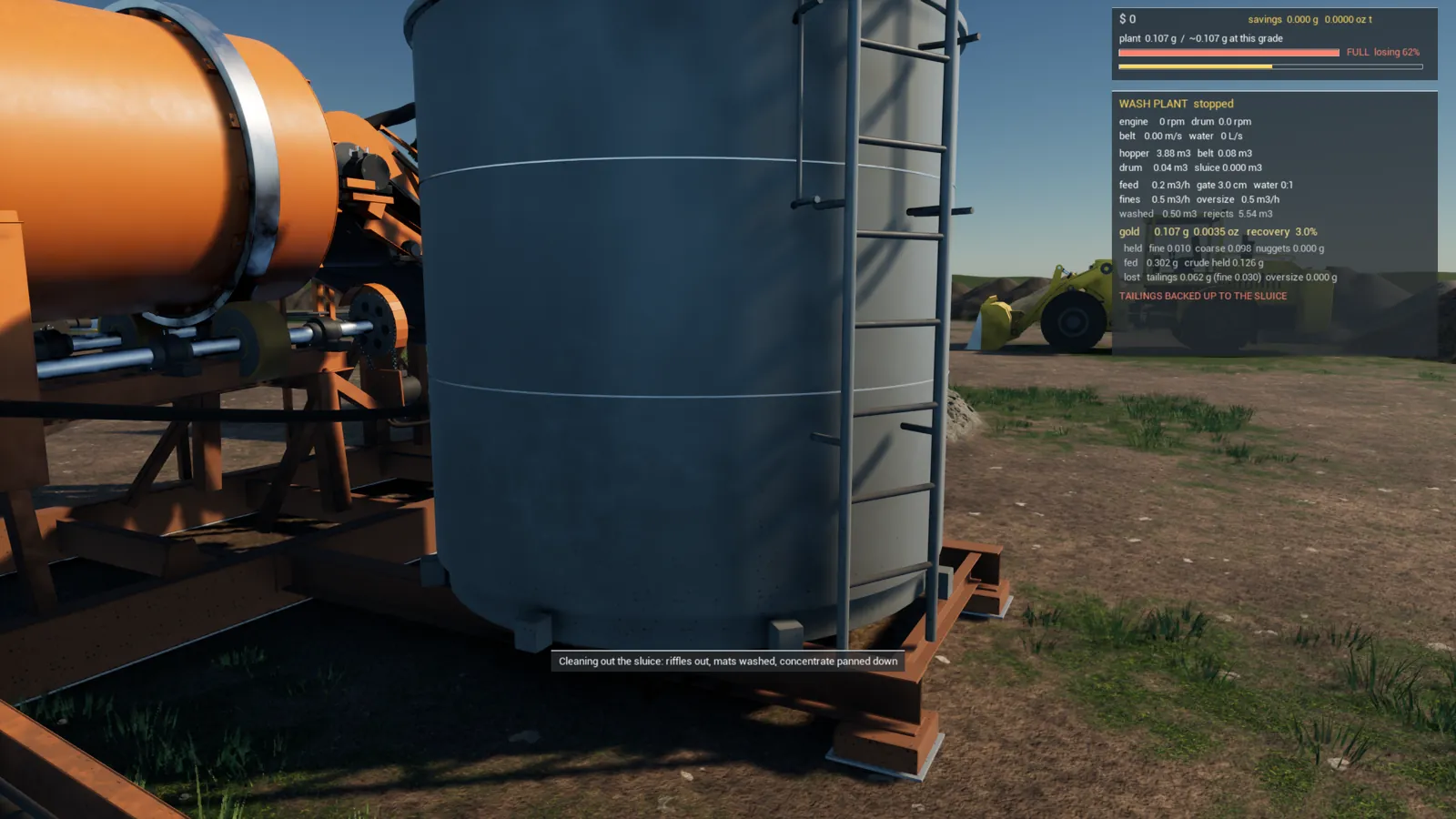
The 250 tph screen plant is the big plant: an excavator or a conveyor line feeds its grizzly, the screen washes and splits the gravel, cobbles go up the stacker to a pile and the rest washes down three riffled runs. It needs 180 l/s of water from a pond or the water tank within reach of its 25 m suction hose. You don't drive it or tow it: you place it, walking a see-through "ghost" of it to the spot you want.
Step 1: Choose the spot first
Walk the ground before you bring the plant in. It stands on rigid feet about 30 m apart, so it wants a long stretch of fairly even ground. Look for:
- Water close by and close below. The suction reaches a water tank within about 22 m, or the deepest water at least 40 cm deep within about 21 m. The pump only gives its full flow when the water is no more than 3 m below it; from 7 m below it can't draw at all.
- Room at both ends: for whatever feeds the grizzly (an excavator or a conveyor's head) at the hopper end, and for the tailings, which fan out about 6 m off the end of the runs.
- Room beside it for the cobble pile the stacker builds.
- No water standing under it.
Step 2: Get on foot and open DEMO VEHICLES
Climb out of any machine first: the ghost only comes when you're on foot. (Chosen from inside a machine, the plant is simply set down on clear ground in front of you, the old way.)
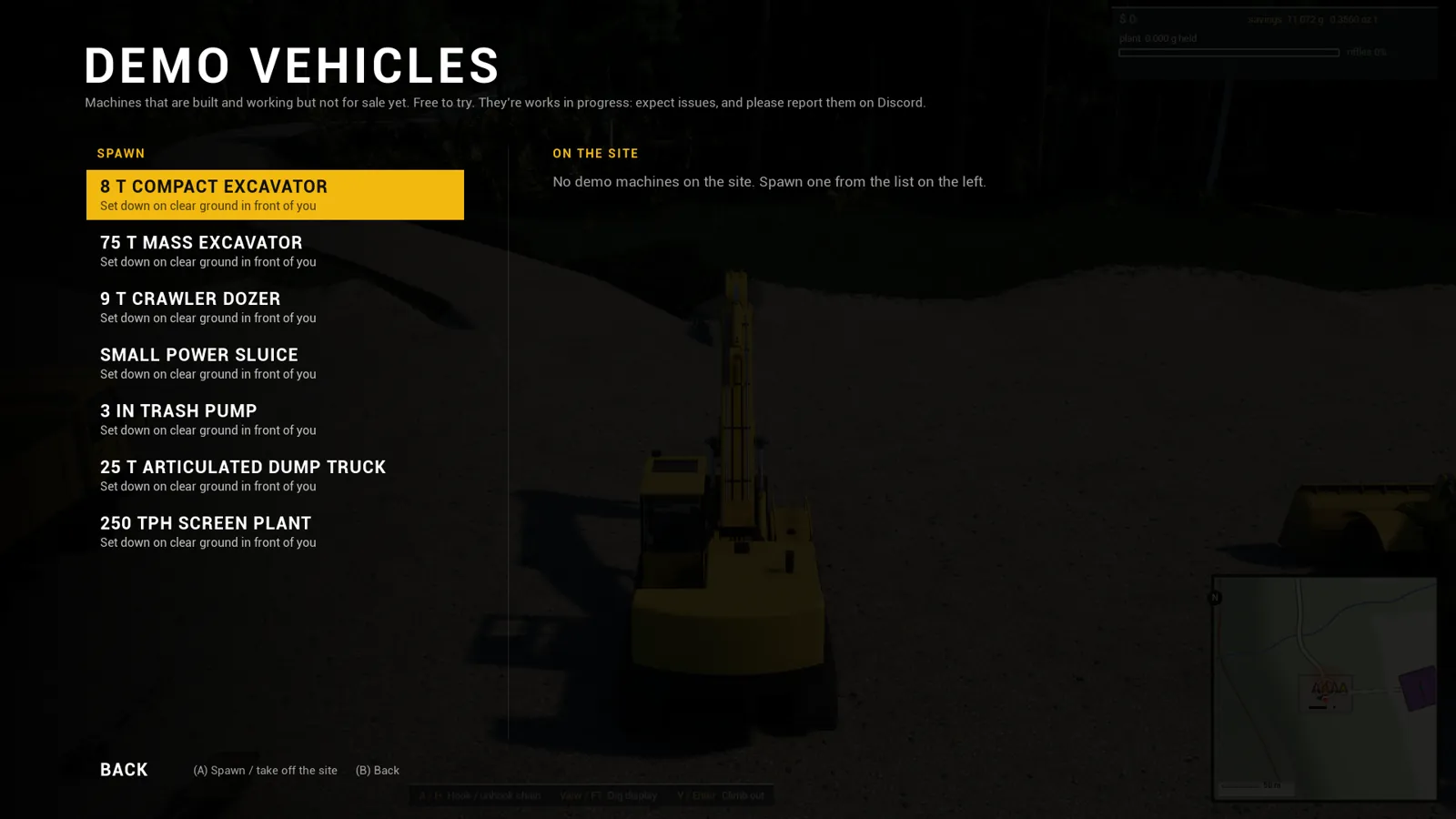
Press Menu (Esc), pick DEMO VEHICLES, and choose 250 TPH SCREEN PLANT. The menu closes, and a message tells you to walk the plant to where you want it.
Step 3: Walk the ghost to the spot
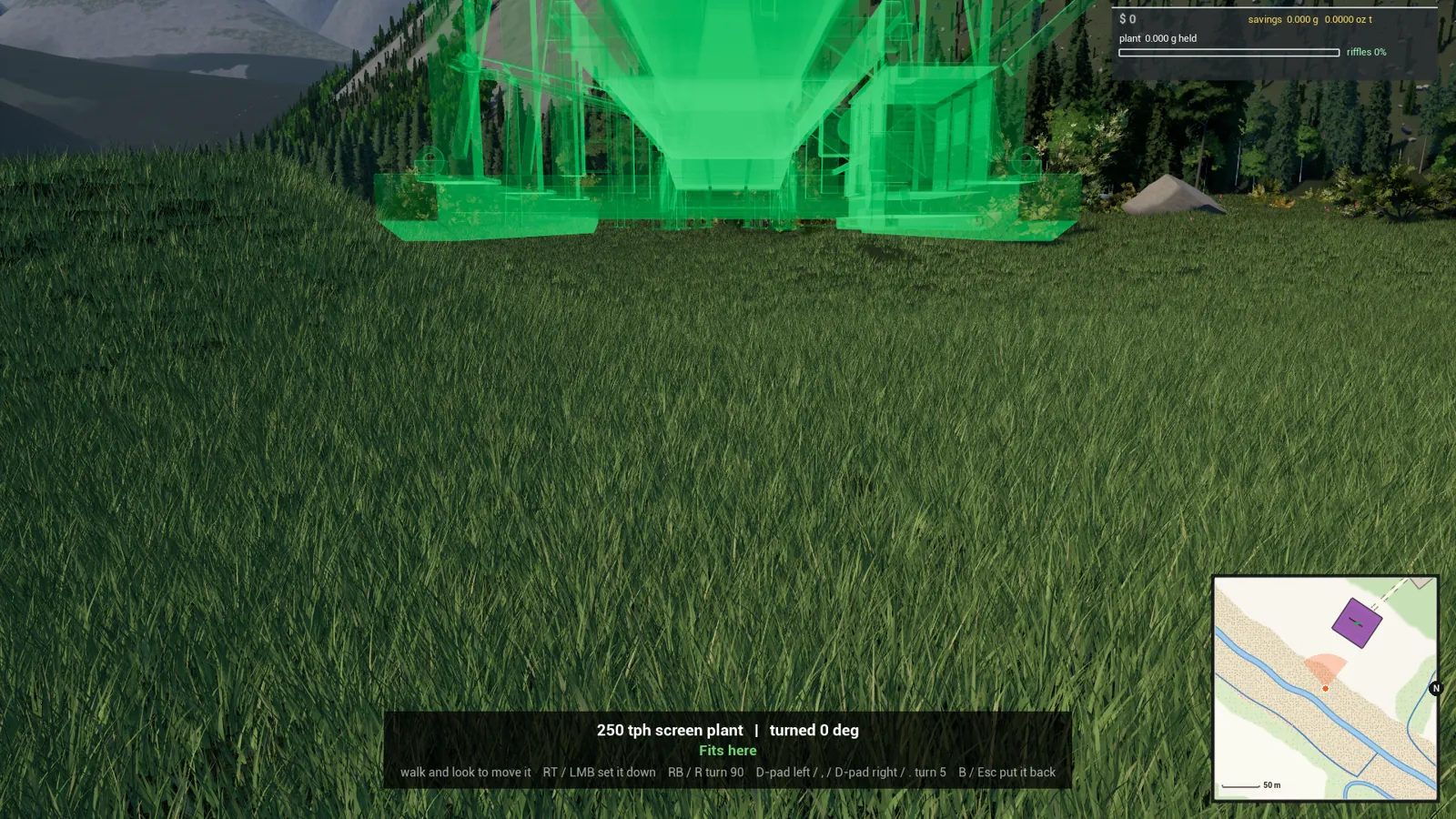
A see-through copy of the plant appears ahead of you, about 4 m in front, lengthways, with its hopper end nearest you. It moves wherever you walk and look. Walk up and down, look left and right, and watch the colour:
- Green (the line under it says Fits here): it can be set down exactly there.
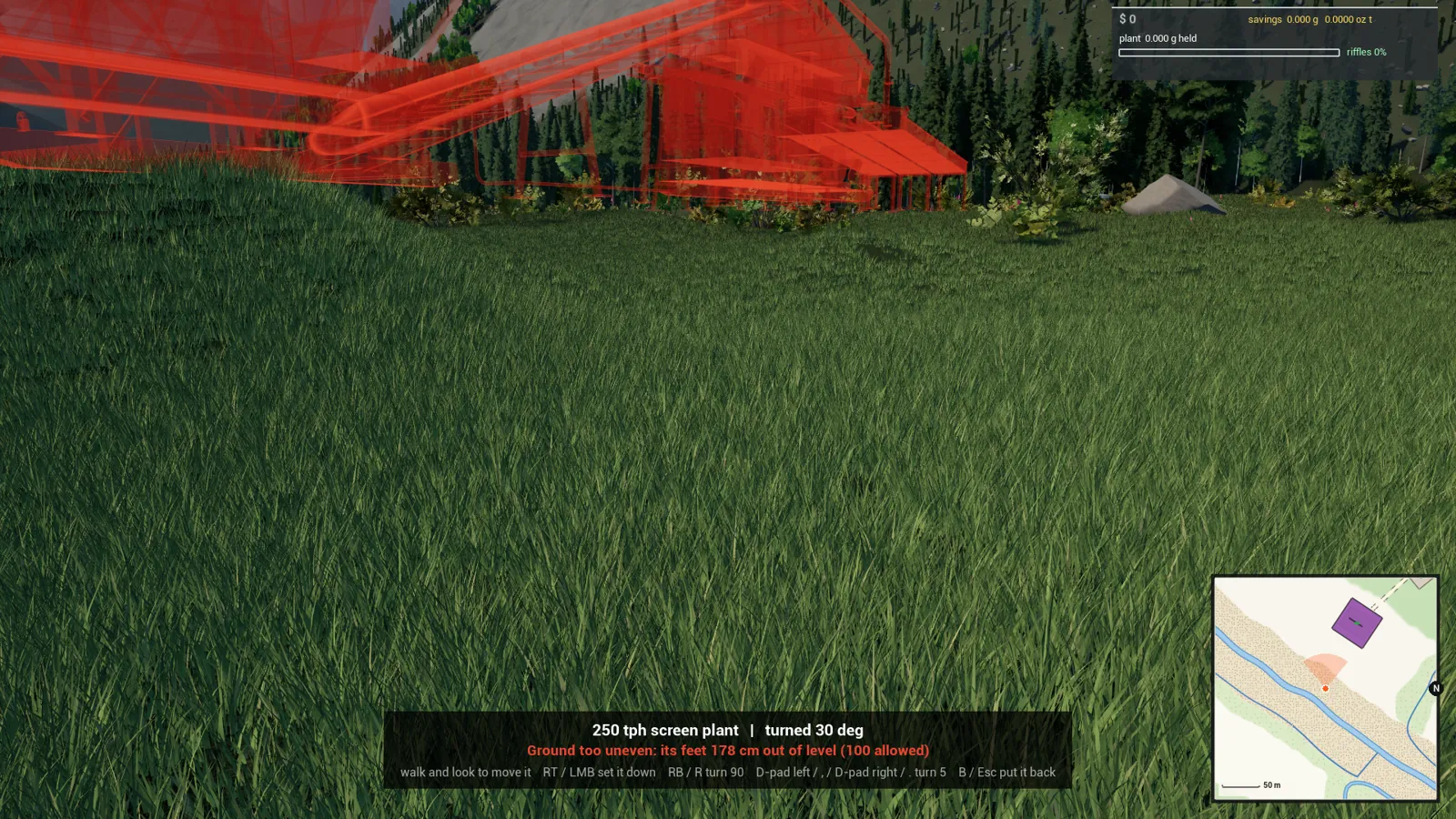
- Red, with the reason underneath. The reasons are:
| It says | What it means |
|---|---|
| Ground too uneven: its feet N cm out of level (100 allowed) | The ground under its feet differs by more than a metre. Find flatter ground, turn it to lie along the slope, or level the spot with the dozer first. |
| Water under it | Some of it would stand in water. Move it onto dry ground. |
| Something is in the way | A machine, a tree, a building or a pile is inside its footprint. |
| Too near the edge of the map | Move it in from the edge. |
The bottom of the screen shows the plant's name, how far it's turned, and the controls.
Step 4: Turn it to fit
- RB (R): turn it 90°. LB (Q): turn it 90° back.
- D-pad left / right (, / .): turn it 5° at a time for fine adjustment.
Turning it to lie along a slope, instead of across it, is often what takes it from red to green.
Step 5: Set it down
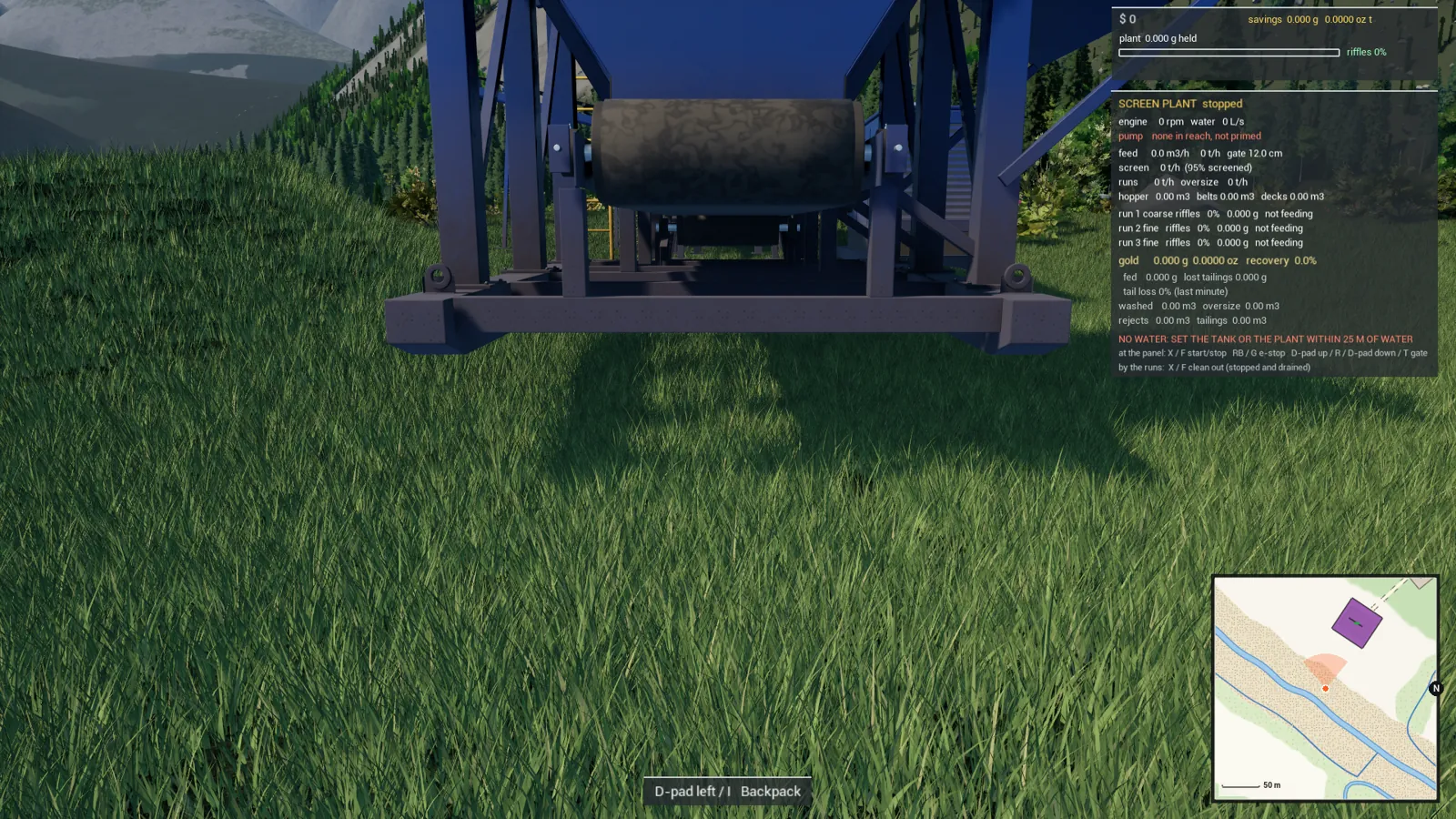
When the ghost is green, press RT (left mouse button). The plant is set down exactly where the ghost stood, on the highest ground under its feet, and a message says Your demo 250 tph screen plant is set down here.
Changed your mind? Press B (Esc or the right mouse button) to put it back without placing it.
Step 6: Connect the water and start it
Walk to the plant's panel and press X (F) to start it. The engine starts first; if the suction hose reaches no water you get a message saying so, and the feeder won't run until the water is above 30% of full flow. The board near the plant shows the pump line (tank, open water or none in reach, primed or not, and the lift). See Getting more gold from your wash plant for setting the feed gate.
Move it somewhere else later
A placed screen plant can't be dragged or lifted. To move it, take it off the site and place it again:
- Clean out the runs first (see Cleaning out a wash plant). Gold still in the riffles goes with the plant when it's taken away.
- Open DEMO VEHICLES and pick the plant from the ON THE SITE list on the right, then confirm TAKE IT AWAY.
- Choose 250 TPH SCREEN PLANT again, on foot, and walk the new ghost to the new spot.