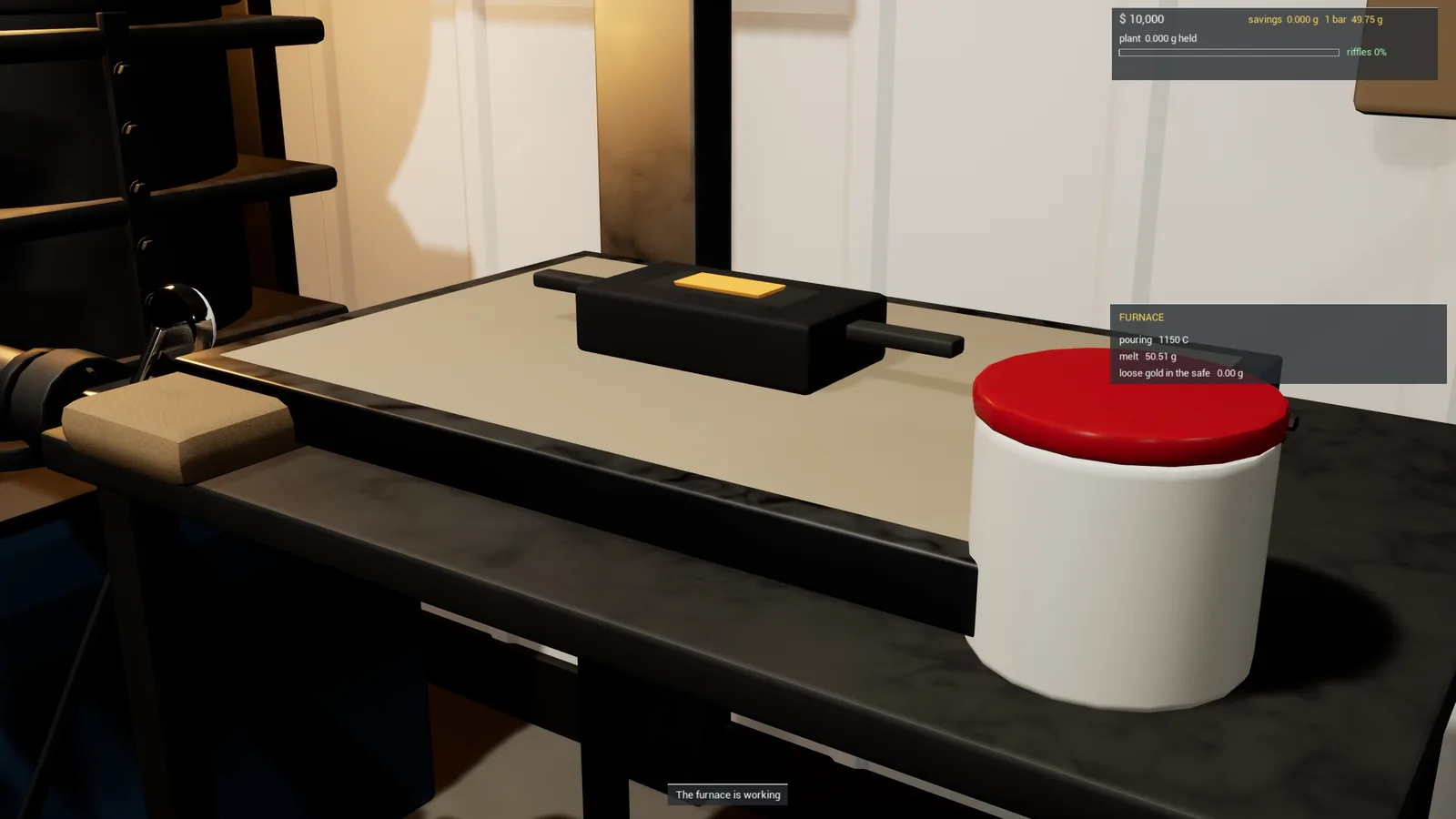
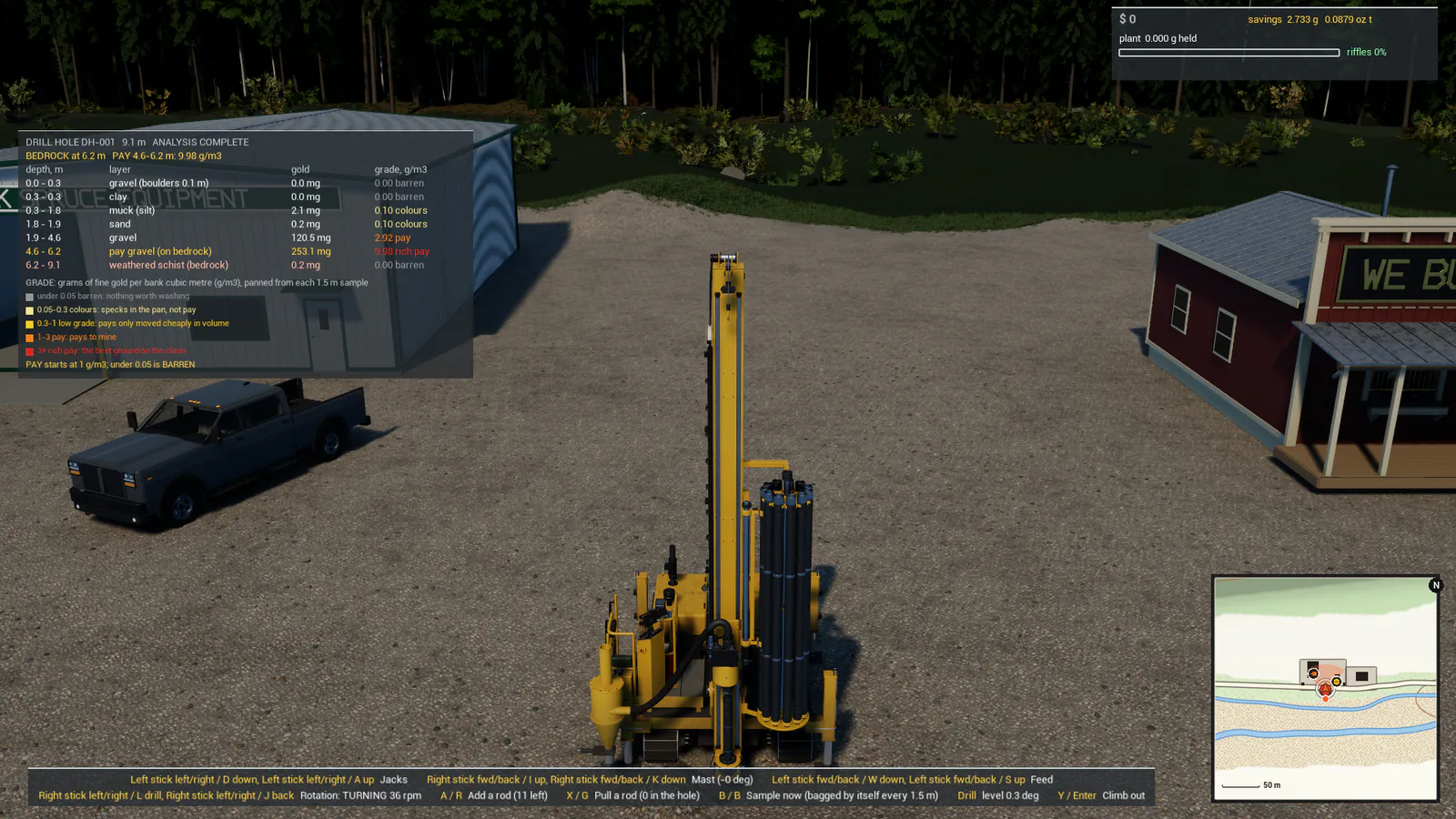
You'll need: Nothing yet. This is where everyone starts.
Dirt Digger is a gold mining game: you strip the ground, dig down to the gold-bearing gravel, wash it in a plant and sell what the riffles catch. Every machine runs on simulated hydraulics and every bucket is real soil, so it takes a little practice. This guide gets you from the title screen to your first gold.
Step 1: Start a new site
On the title screen pick NEW SITE. You then choose WHERE TO DIG:
- Claim 1: five miles square of wild placer country with forest, side creeks, a river and its old flat, and a camp pad to start from. This is the real game.
- The Testing Grounds: a hectare of proving ground with pits, stockpiles, a mud hole and the wash plant. Good for learning the machines without driving anywhere.
Give the site a name and press START. Each site is its own save, so you can keep several.
Step 2: Know what you own
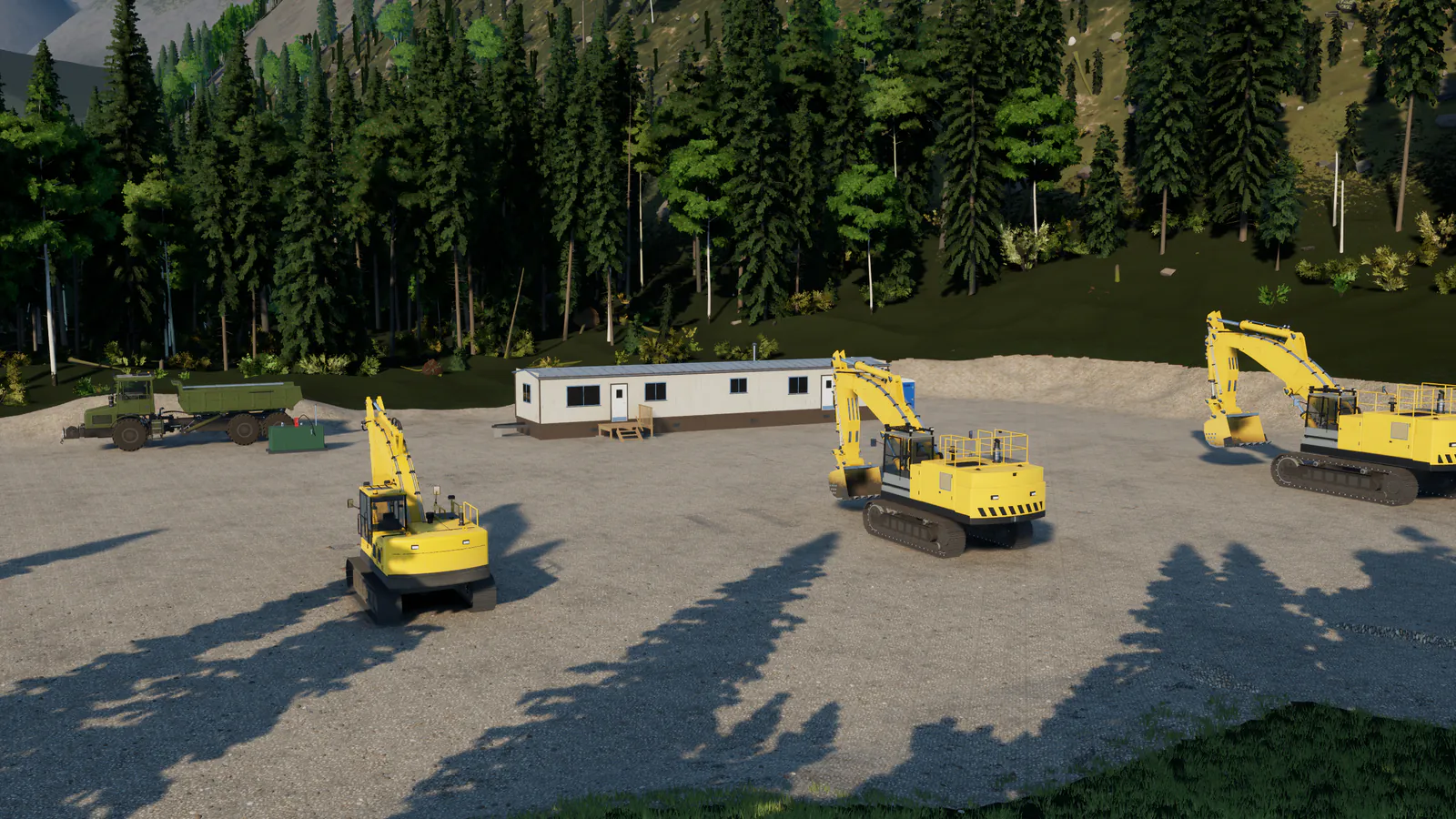
A new site gives you a full crew of machines, parked in a row at the camp, ready to go:
| Machine | What it's for |
|---|---|
| 20 t crawler excavator | Digging, loading trucks, feeding the wash plant, lifting on its chain |
| 20 t crawler dozer | Stripping topsoil and overburden, pushing piles, levelling |
| 18.5 t wheel loader | Feeding the wash plant's hopper, loading trucks from a pile |
| 6x4 tandem dump truck | Hauling pay gravel to the plant and spoil away |
| Heavy-haul tractor and lowbed trailer | Moving the tracked machines on the road |
| 5 x 15 ft trommel wash plant | Washing your gravel and catching the gold in its sluice |
You also start with $10,000 in the bank. The pickup is not included: it's the first thing most players buy (see step 8).
Step 3: Get around on foot
You walk with the left stick (or W A S D) and look with the right stick or the mouse. Click the left stick (Caps Lock) to switch running on or off, and hold LT (Left Shift) to sprint.
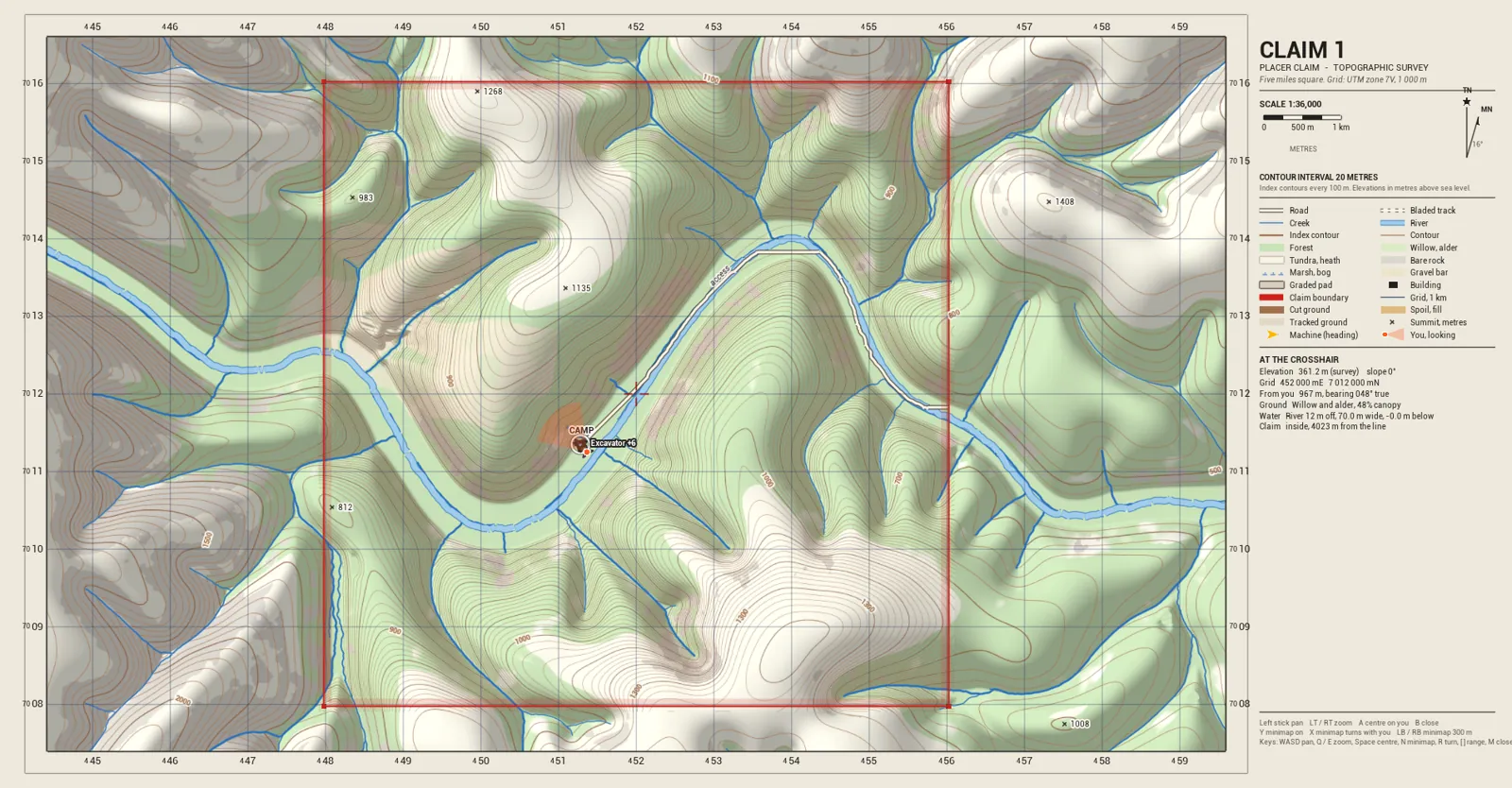
Press View briefly (or M) to open the map. The map marks the Camp, the Wash plant and the town, labelled Gold buyer & dealer. In the map, the left stick pans, RT / LT zoom, and A centres it on you. Press View, B or Esc to close it.
Step 4: Climb into a machine
Walk up to a machine's door and press Y (keyboard: Enter) to climb in. Press the same button again to climb out. On the keyboard, Tab puts you in the nearest machine, and Tab again goes on to the next one.
Once you're in, a line along the bottom of the screen shows that machine's own buttons (auto level, parking brake, tipping the body...) and whether each is on. It follows your own bindings if you change them.
Step 5: Save your game
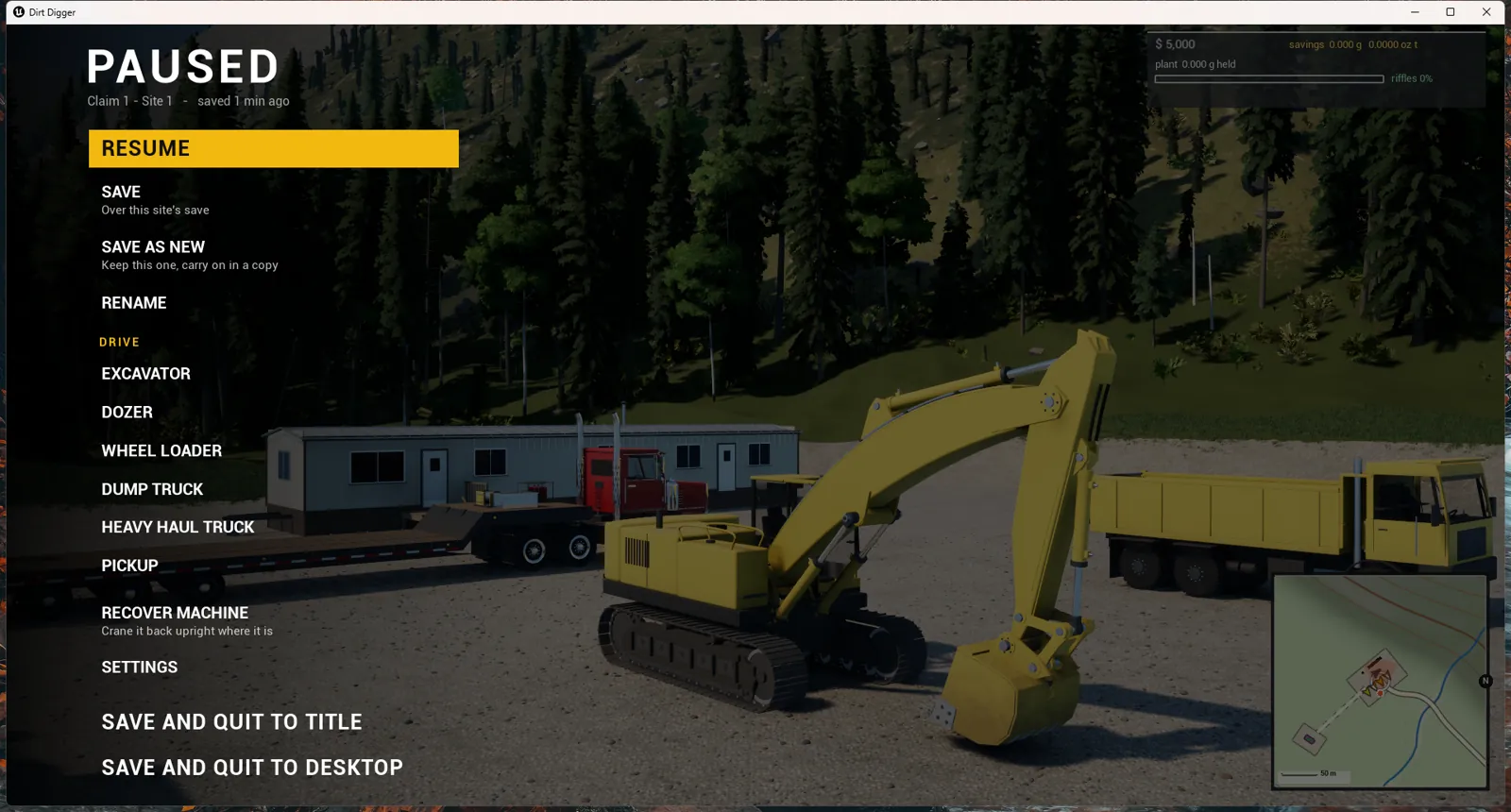
Press Menu (or Esc) to pause. From the pause menu you can:
- SAVE over this site's last save, or SAVE AS NEW to keep the old one and carry on in a copy.
- LOAD LAST SAVE to go back to where you last saved.
- SAVE AND QUIT TO TITLE or SAVE AND QUIT TO DESKTOP.
On the title screen, LOAD SITE lists all your sites. Each one can be renamed, deleted, or backed up to a single file (BACKUP), and IMPORT GAME SAVE brings a backed-up site back, on this PC or another.
Step 6: Learn the gold loop
Gold in Dirt Digger is in the ground where the geology put it. Most of it lies in the last of the gravel, just above bedrock, and in the cracks of the top of the bedrock. Here is the loop every site runs on:
- Strip the topsoil and overburden off with the dozer, so you can reach the gravel.
- Dig the pay gravel with the excavator and load it into the dump truck.
- Haul it to the wash plant and tip it near the hopper.
- Feed the plant: the loader (or the excavator) tips gravel onto the grizzly bars over the hopper.
- Run the plant. It washes the gravel and the sluice's riffles catch the gold.
- Clean out the riffles on foot. The gold goes into your savings.
- Sell the gold in town and spend the money on machines.
Good ground pays; poor ground costs you the fuel and the hours. If a spot gives little gold, try somewhere else on the claim.
Step 7: Run the wash plant
Walk to the plant's control panel and press X (F) to open it, then pick START. The plant starts in order: engine, then water and drum, then the belt and grizzly. Feed it steadily and keep the water tank within 15 m of the plant, standing level, or the plant shuts itself down and its board says NO WATER.
From the loader's cab you can also start and stop the plant with X (P).
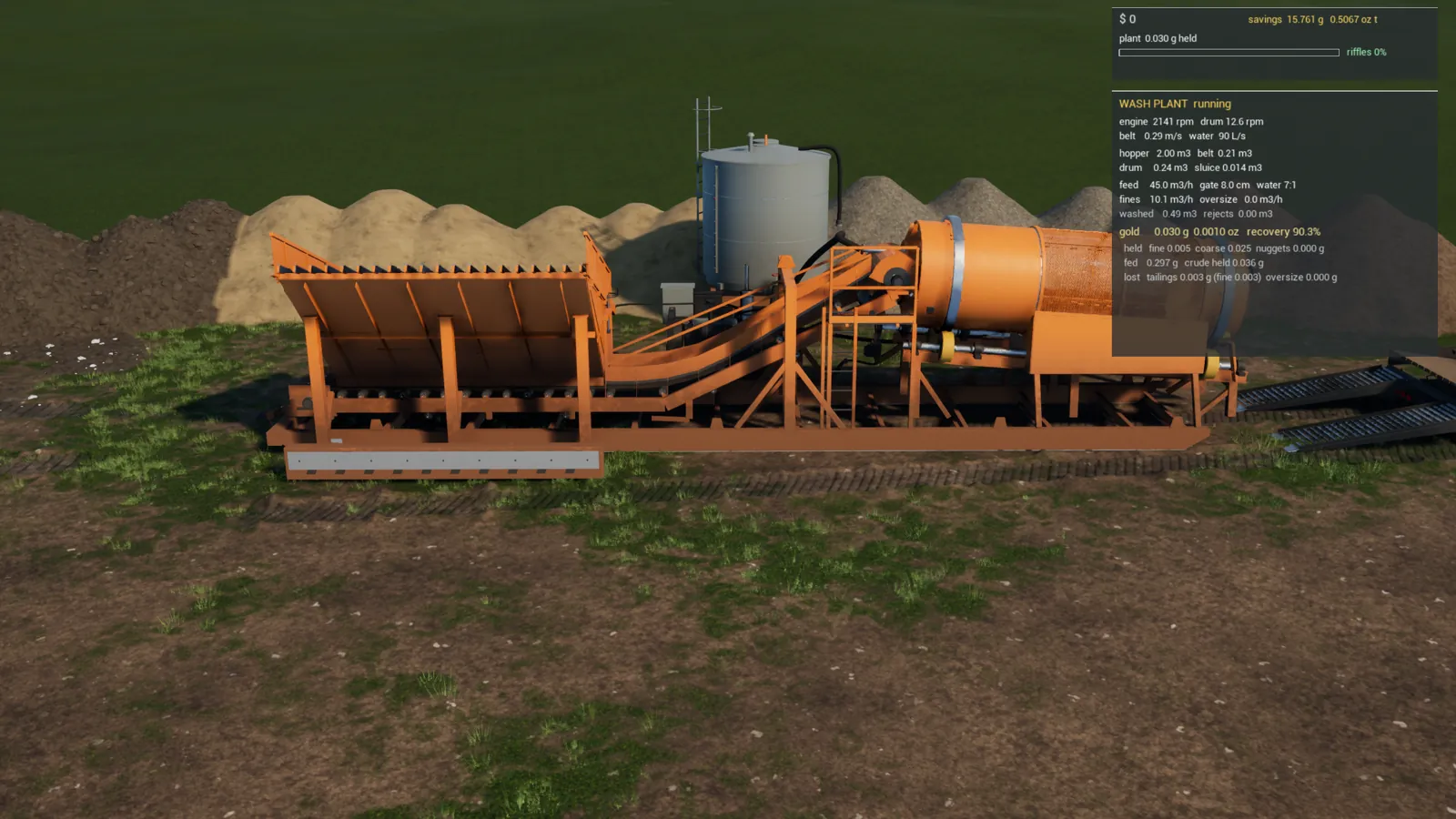
Read Getting more gold from your wash plant and Cleaning out a wash plant next: they make the biggest difference to how much gold you keep.
Step 8: Sell your gold and buy your first machine
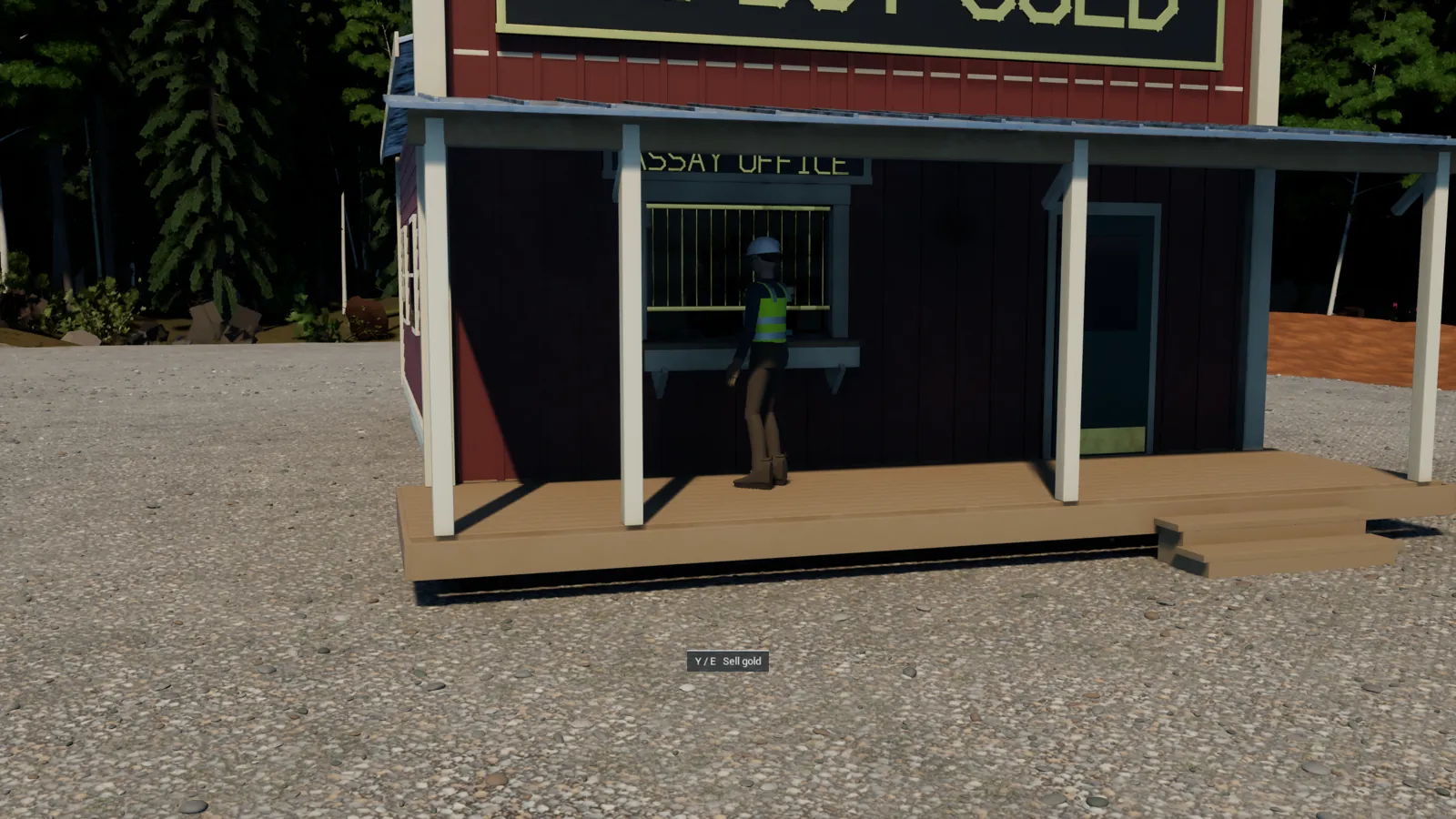
Drive to town (the map's Gold buyer & dealer). At the assay office counter press Y (E) to sell gold from your savings. The counter pays 93% of the day's gold price for the pure gold in what you sell (placer gold is mixed with silver, so 10 g at 850 fine holds 8.5 g of gold). The price moves a little each in-game day.
Next door, Black Spruce Equipment sells machines. The 3/4-ton pickup is $42,000 and gets you between the camp, the claim and town.
If a machine gets stuck
Pause and open RECOVER. RECOVER MACHINE ("crane it back upright where it is") rights a machine that has rolled or got stuck; RECOVER TO CAMP puts it back on its parking spot at camp; RECOVER WASH PLANT sets the plant back upright on its skids on the nearest clear, level ground, with everything inside it kept.